Shopivo
Bluetooth Wireless Headphones TWS Auriculares With Microphone Fone De Ouvido In Ear Headset Gamer Earphones Power Bank Handfre
Bluetooth Wireless Headphones TWS Auriculares With Microphone Fone De Ouvido In Ear Headset Gamer Earphones Power Bank Handfre
Couldn't load pickup availability
SPECIFICATIONS
Active Noise-Cancellation: Yes
Brand Name: STTKGZD
Category: Earphones & Headphones
Charging Method: Charging case
Choice: yes
Communication: True wireless
Connectors: USB
Control Button: Yes
Features: With microphone,Active Noice Cancelling
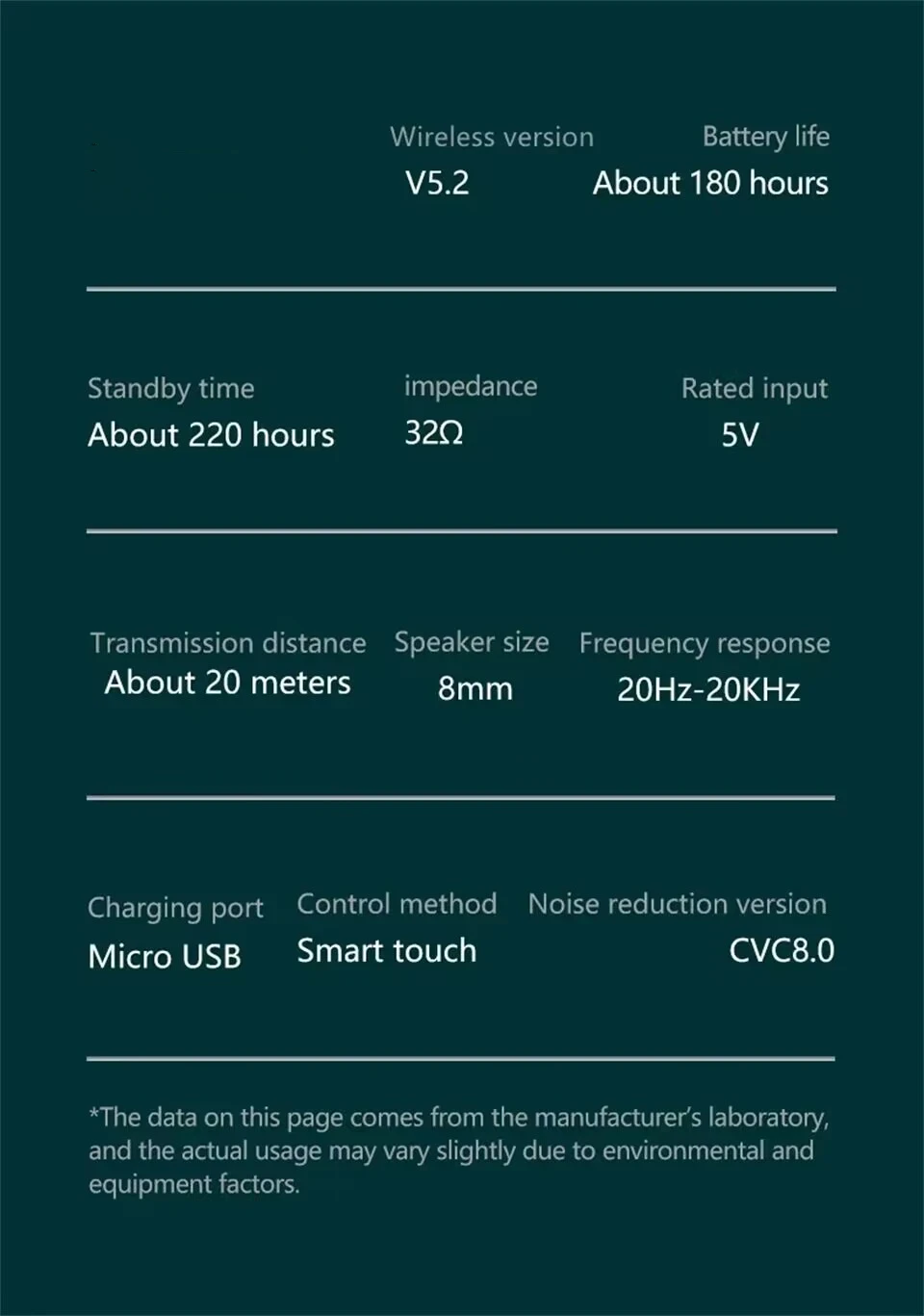
Frequency Response Range: 20 - 20000
Function: for Video Game,Common Headphone,For Mobile Phone,HiFi Headphone,Sport
Headphone Pads Material: Silicone
High-concerned chemical: None
Impedance Range: up to 32 Ω
Is wireless: Yes
Material: Metal,ABS
Origin: Mainland China
Plug Type: None
Style: Tws in-ear headphones
Support Memory Card: No
Vocalism Principle: Dynamic
Volume Control: Yes
Wireless Type: None
With Microphone: Yes
• True Wireless Communication :Enjoy the freedom of movement with no wires to hold you back. The TWS wireless Bluetooth headphones provide true wireless communication for an uninterrupted audio experience.
• Active Noise-Cancellation :Block out unwanted noise and distractions with the active noise-cancellation feature. Focus on your music or calls without any disturbance.
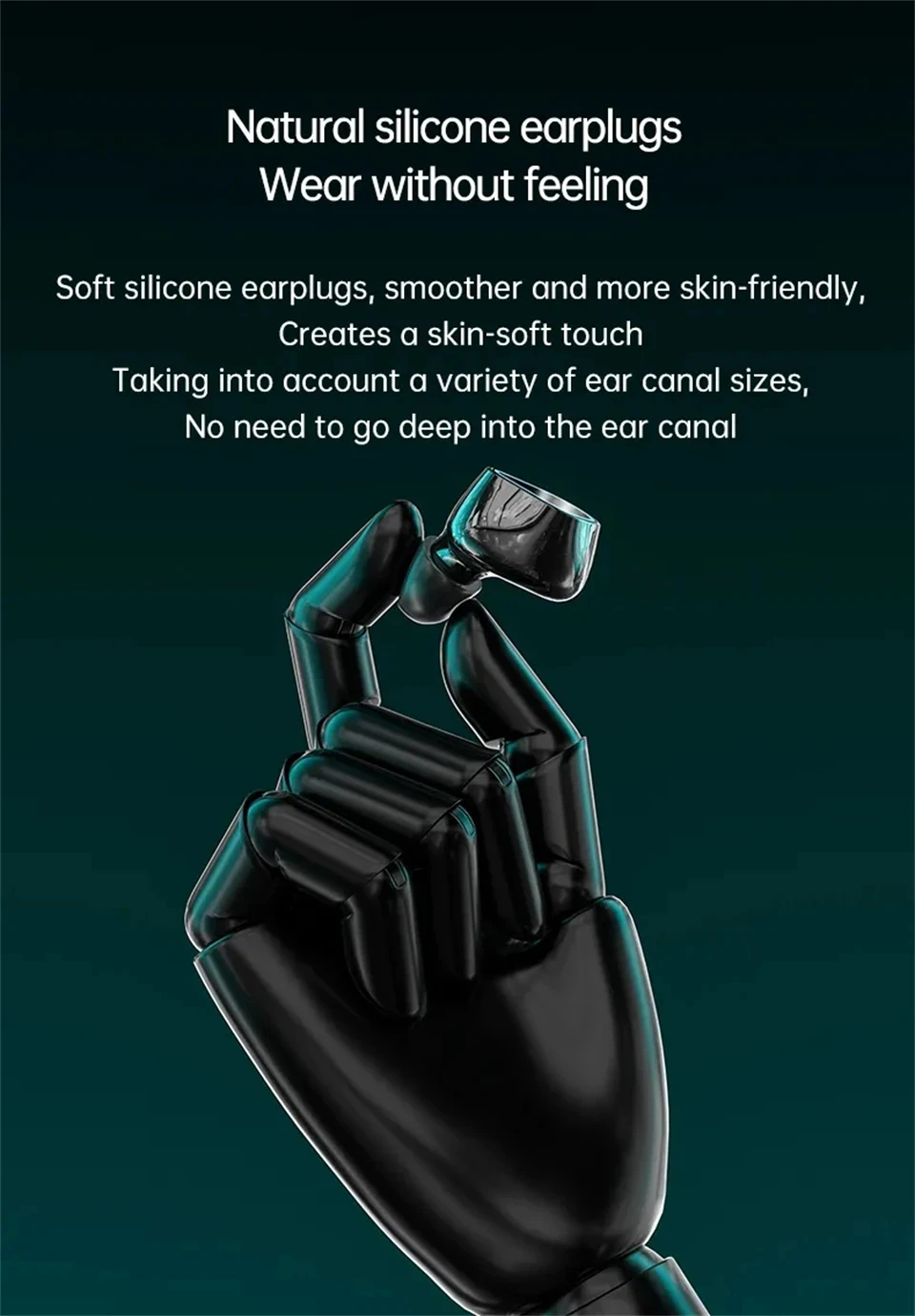
• In-ear Style :Get a comfortable and secure fit with the in-ear style design. The earbuds stay in place during intense workouts or while on-the-go.
• Hybrid Technology :Experience high-quality sound with the hybrid technology. The headphones combine dynamic and balanced armature drivers to deliver clear and crisp audio.

Note:
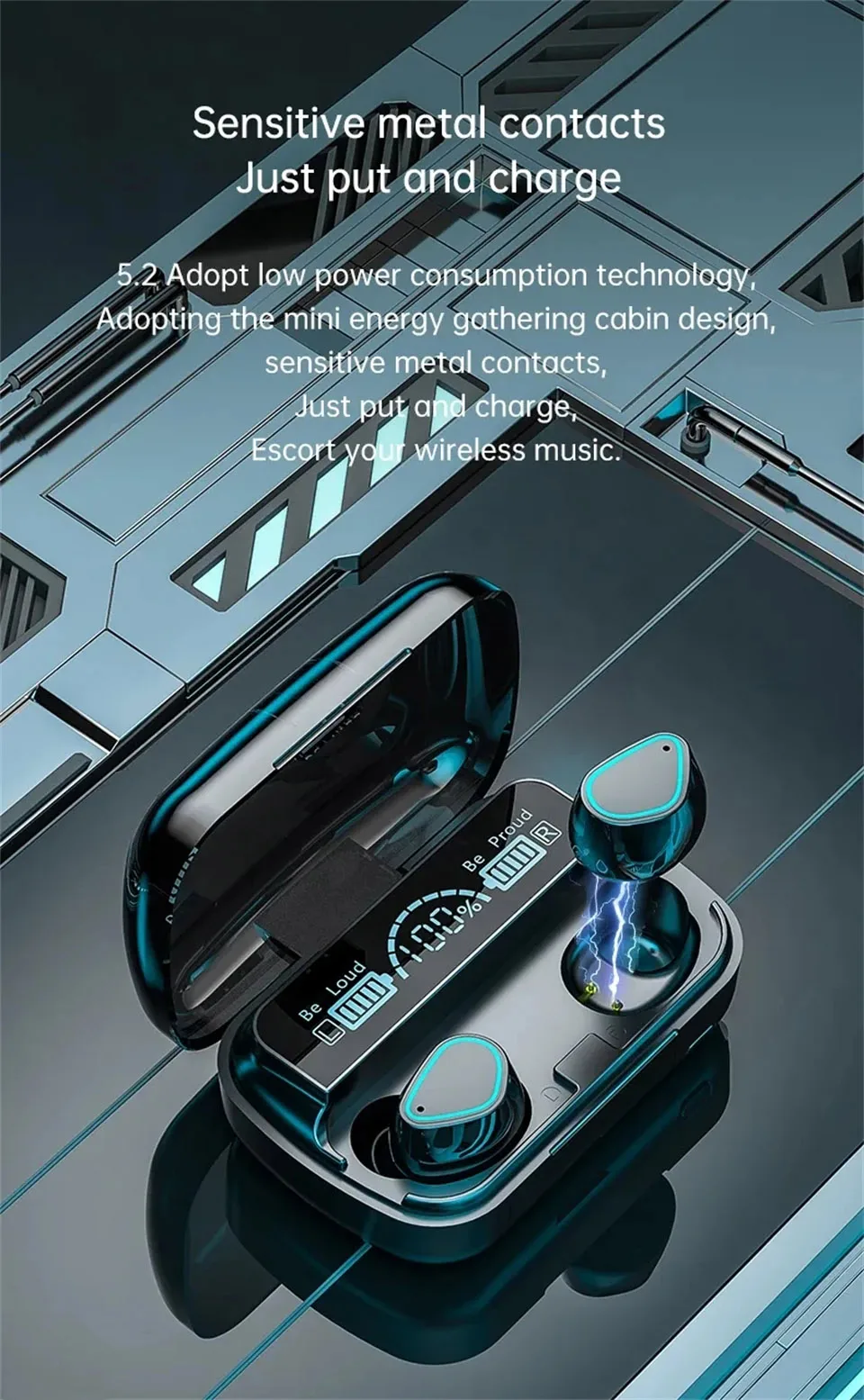
1: When charging headphones, it is necessary for the charging port of the headphones to make successful contact with the contact points of the charging compartment in order to charge normally. If the headphones are not aligned when placed in the charging compartment or not completely placed on the charging compartment, it will cause the charging contact points to not make successful contact and display that there is no charging. At this point, all you need to do is press the earphones with your hand or take them out again and put them back in. Once the contact point between the earphones and the charging case is successful, you can start charging.
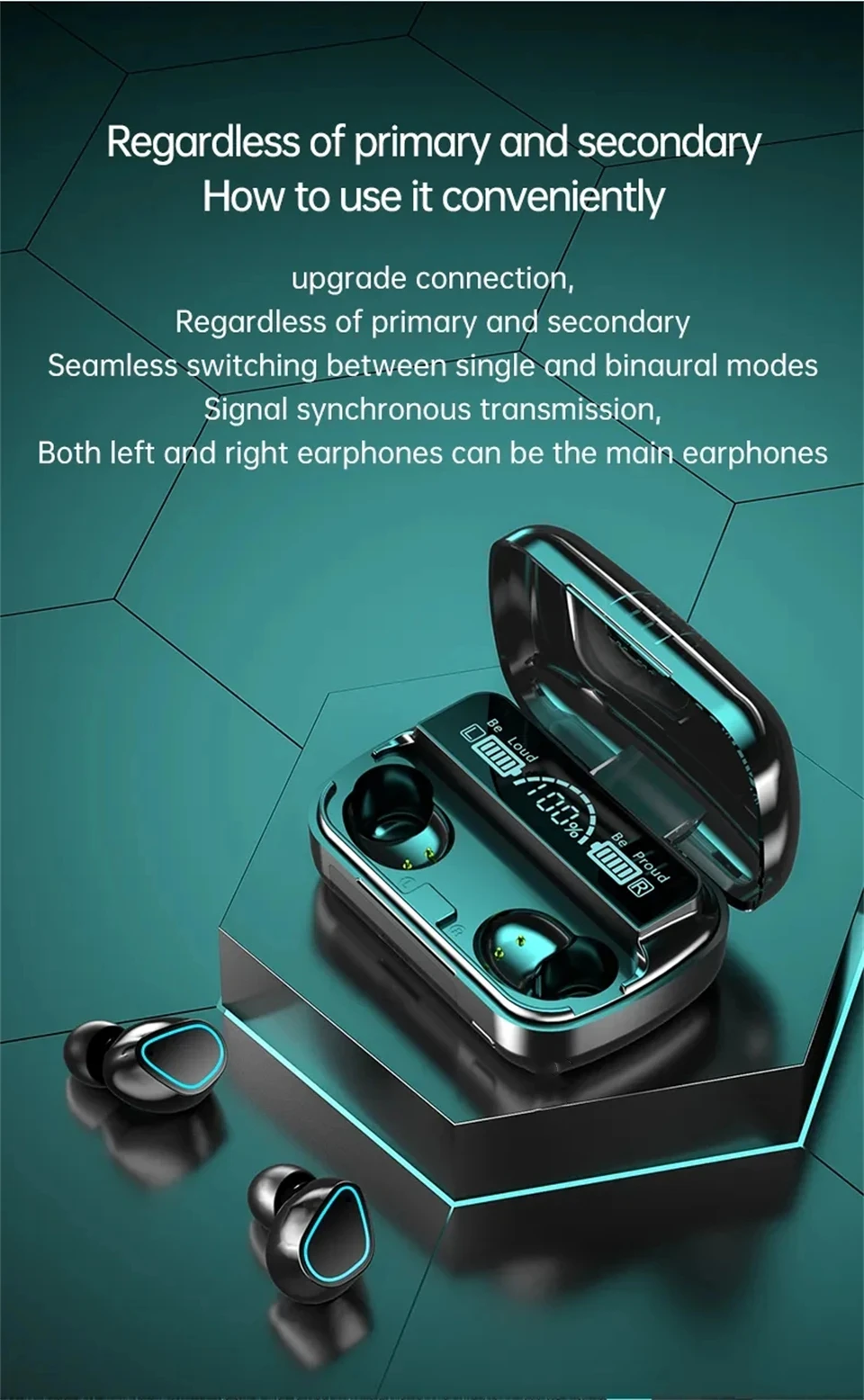
2: Headphones can be used in both single ear and dual ear modes. When opening the charging case and removing the headphones at the same time, it takes a few seconds for both headphones to automatically enter the matching state. After successful matching, only one headphone will flash. At this time, the phone can connect the headphones via Bluetooth and use both headphones.