Shopivo
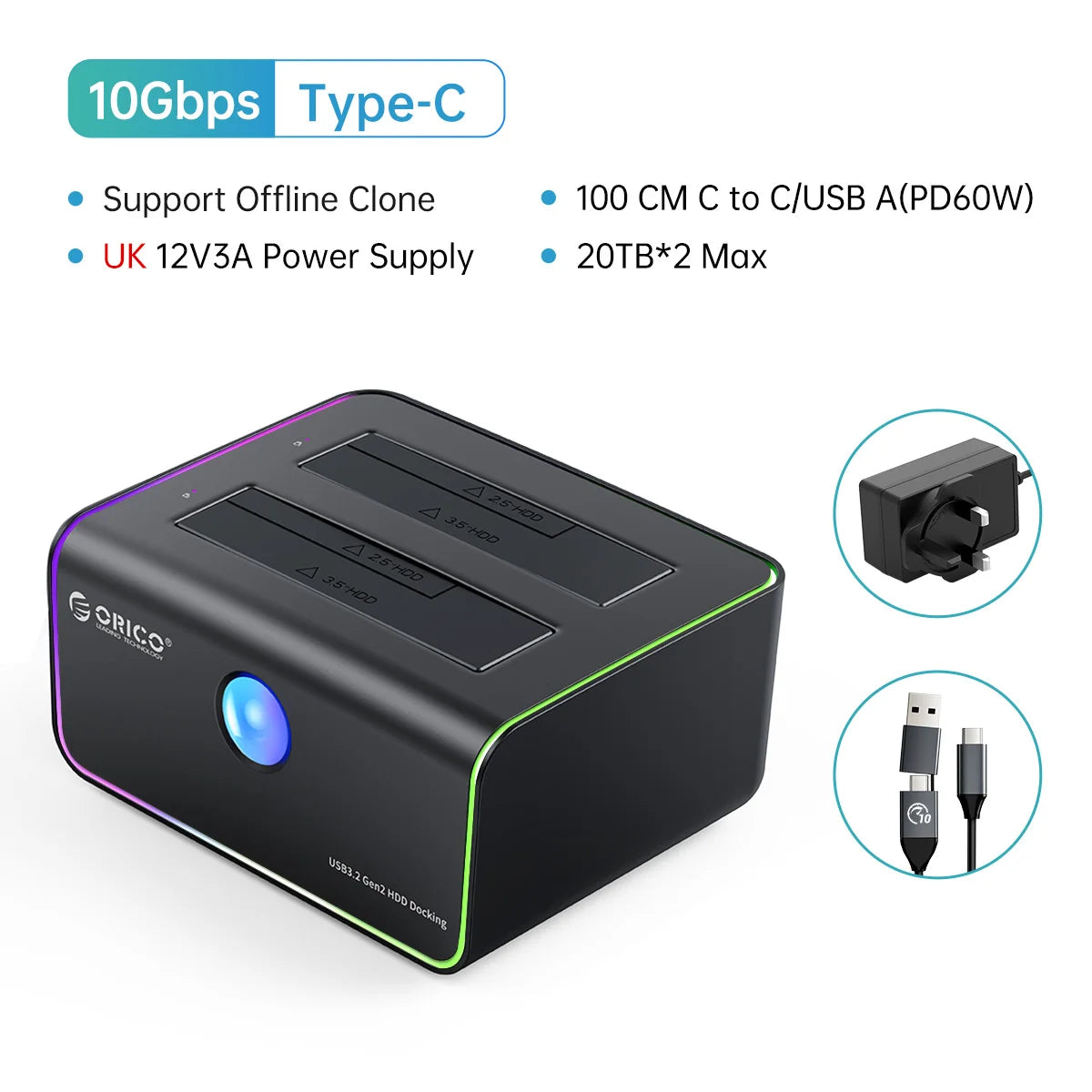
ORICO RGB Light 2-bay Type-C 10Gbps Hard Disk Docking Station for Game Enthusiast with Auto-Sleep Offline Clone Hard Disk Case
ORICO RGB Light 2-bay Type-C 10Gbps Hard Disk Docking Station for Game Enthusiast with Auto-Sleep Offline Clone Hard Disk Case
Couldn't load pickup availability
SPECIFICATIONS
Brand Name: Orico
Cable: 100 CM C to C/A (Support PD60W)
Case Material: Plastic
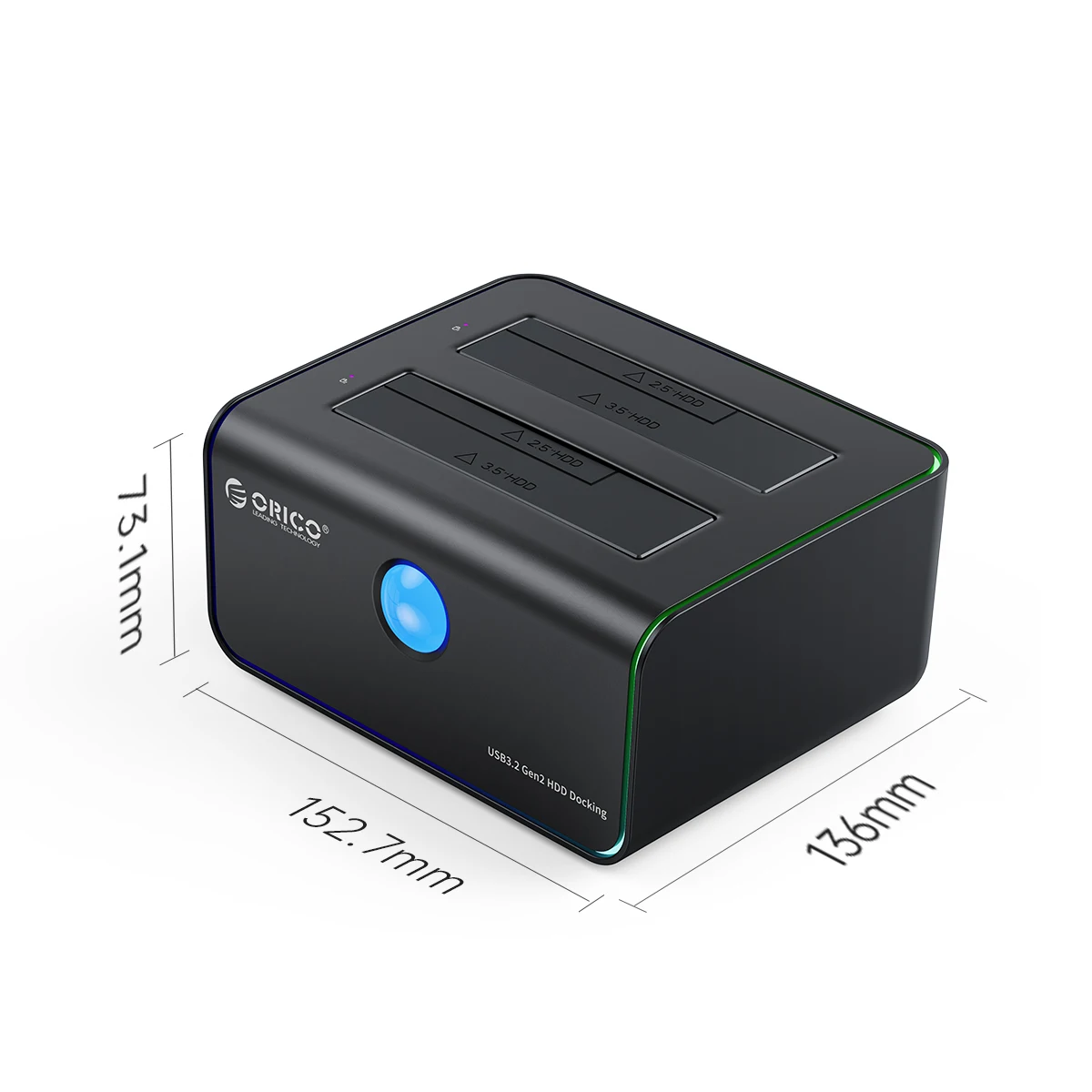
Dual-bay Size: 152*136*74 mm
External Interface: USB
Feature 1: 2.5 SATA to Type-C Gen2
Feature 2: 3.5 SATA to Type-C Gen2
For Seagate / Toshiba: For Westem Digital / Samsung/ Hitachi
Heat Dissipation: yes
High-concerned chemical: None
Item: RGB Light Type-C HDD Case
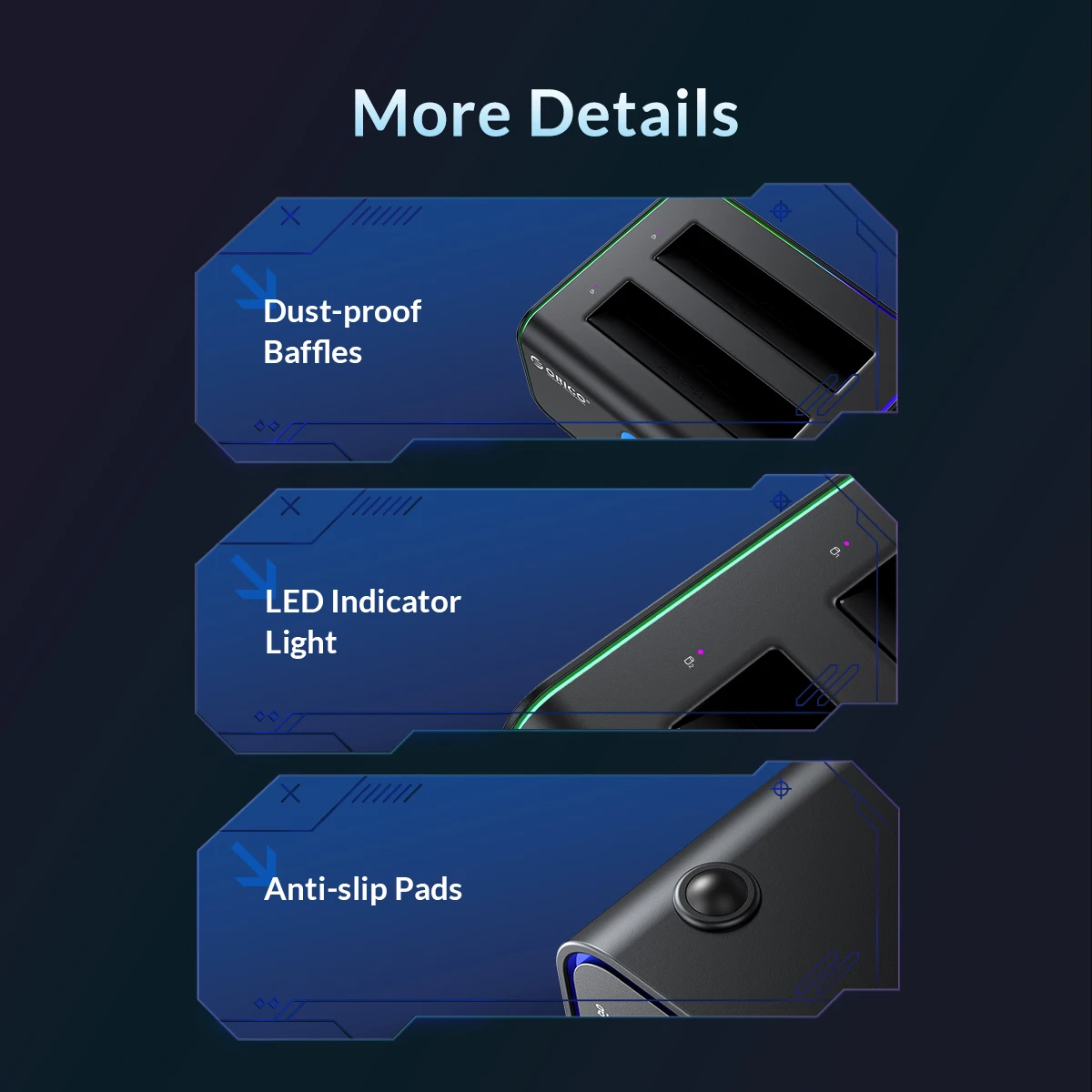
LED indicator: RGB Colorful Light
Model Number: 8818C3/8828C3/8828C3-C
Origin: Mainland China
Package: Yes
Single-bay Size: 147*74*68 mm
Size: 2.5",3.5"
Support Capacity: 20TB/40TB Max
Supporting Hard Drive Capacity: 40TB(not including HDD)
Transmission Interface: TYPE-C
Transmission rate: TYPE-C Port & Cable10Gbps
Transmission rate 1: SATA Port 6Gbps
Use for: Window / Mac OS/ Linux system
Use for PC, Laptop,Smart TV: Use for Smart Router, PS4
8818C3 (RGB 1bay) & 8828C3 (RGB 2bay) & 8828C3-C (RGB Clone with Offline Clone )


> External Type-C output interface, which can support up to 10Gbps transmission rate; Type-C supports positive and negative plugging, which is more convenient to use

> Phone Accessible
> The phone can directly connect to the docking station through the adapter, reading files easily


> External power adapter provides strong power supply capability
> Notice: Single-bay Power Adapter is 12V 2A
Dual-bay Power Adapter is 12V 3A


> The enclosed 2-in-1 multi USB cable meets your diversified demands and supports PD 60W output



Tips
Offline Clone Instructions
1.Insert the disks in.
Disconnecting the docking station with the computer. Turo off the power and insert disk A into the Source Slot and disk B into the Target Slot.
2.Connect the power.
Switch the button at the back of the docking station to Clone and turn the power on.
3.Clone start.
Press the Start button at the back and the indicator light flashes when cloning. The indicator light is constantly on after the clone is finished.
Notes:
1.The target drive must be equal to or larger in capacity than the source drive.
2.Please do not move the disk during processing, and do not connect the dock with the computer.
3.The target disk needs to activate by connecting to the computer. Steps: PC Management – Disk Management – Online
4.The offline clone speed is 500G/2hrs.
Q: Why the PC can't recognize HDD/SSD?
A: Check your hdd whether can work , and change to aother hdd , check again , if still can't work contact with customer service .
Q: Can't up to 10Gbps speed?
A: The 10Gbps is Ideal state,but the really speed is about 10Gbps.
Q:The Window / Mac OS/ Linux system whether can support ?
A :Yes , Backward compatible with windows 10/9/8 system.
Q: Use for which brand ssd/hdd ?
A: Seagate /Toshiba/Westem Digital /Samsung/Hitachi eg.
At last any problem contact with us , we will solve problem for you soon.
|
ORICO Hard Drive Station | |||||
Model |
6228US3 |
6629US3-C |
6819C3 |
6626C3-C |
5528C3-C |
|
Photo |
|
|
|
|
|
|
Compatibility |
2.5''/3.5'' HDD & SSD |
2.5''/3.5'' HDD & SSD |
2.5''/3.5'' HDD & SSD |
2.5''/3.5'' HDD & SSD |
2.5''/3.5'' HDD & SSD |
|
Transfer Speed |
5Gbps |
5Gbps |
10Gbps |
10Gbps |
10Gbps |
|
USB Interface |
USB3.0 Type-B |
USB3.0 Type-B |
USB 3.1 Type-C |
USB 3.1 Type-C |
USB 3.1 Type-C |
|
Capacity Supported |
18TB (1-bay) |
18TB (1-bay) |
18TB (1-bay) |
18TB (1-bay) |
18TB (1-bay) |
|
UASP |
✔ |
✔ |
✔ |
✔ |
✔ |
|
Included Cable |
Type-B to USB A |
Type-B to USB A |
C to C/A (PD60W) |
C to C/A (PD60W) |
C to C/A (PD60W) |
|
Power Adapter |
12V3A |
12V3A |
12V3A |
12V3A |
12V3A |
|
Material |
Plastics |
Plastics |
Plastics |
ABS & Aluminum alloy |
ABS & Aluminum alloy |
|
Feature |
Tool-free |
Offline Clone |
Auto Sleep |
Offline Clone |
RGB Light |